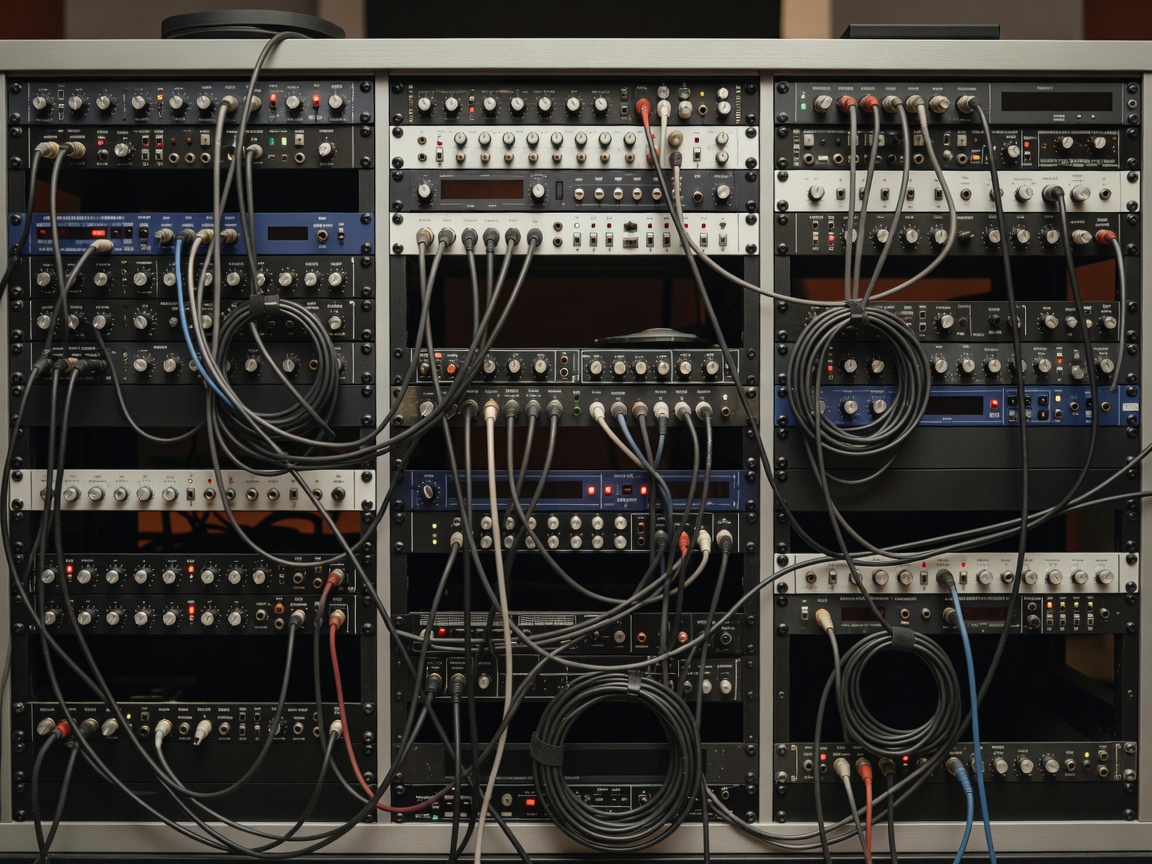
Console and routing choices
A recording console may provide input control, monitoring, summing, routing or a combination of these functions. A large surface is not automatically the right choice. Assess the number of sources, overdub method, recall needs and engineer preference. In-the-box workflows can reduce routing complexity. Hybrid workflows combine digital editing with selected analog paths. Both can be reliable when the session plan is clear.
Ask how patching is handled, who changes connections and whether routing diagrams are available. Confirm whether recalls are stored digitally, on paper or through a combination of methods.
Microphones and preamps
Microphones are best discussed by category: dynamic, condenser, ribbon, stereo and specialized close or room options. The useful question is the source, room and desired response. A microphone list alone does not predict a result. Placement, polar pattern, preamp headroom and engineer judgment remain important.
Ask whether requested categories are available for the dates concerned. Confirm stand, cable, pop-filter and isolation requirements. Preamps may be integrated into a console or provided as separate outboard channels. Match the number of sources to the available inputs.
Monitoring and outboard
Monitoring systems include nearfield, midfield or alternate reference positions. Their value depends on room design and calibration. Confirm how monitoring changes during tracking and mixing. Outboard processing may include dynamics, equalization, ambience and saturation categories. Use it when the workflow benefits from committed processing or tactile control. Avoid requesting hardware by prestige alone.
DAWs, files and patching
The digital audio workstation is the session’s organizational layer. Confirm the software environment, version compatibility, sample-rate and bit-depth policy, track naming conventions and backup process. If another system will open the session, agree on consolidated audio, timestamps, tempo information, MIDI needs and plug-in dependencies.
Patching should be documented before a complex session. A simple input list should identify source, microphone category, preamp path, converter input, track name and monitor return. This reduces setup errors and makes later overdubs faster.
Analog, digital or hybrid
Analog workflows can offer hands-on routing and committed signal decisions, but recalls may take longer. Digital workflows offer fast editing, repeatability and portable sessions, but depend on file discipline and compatible systems. Hybrid workflows can balance both. The limitation is coordination: every conversion, patch point and recall step should be understood.
Good for
Choose a console-led workflow when multiple sources and tactile monitoring matter. Choose a compact digital workflow for fast production and remote transfer. Choose hybrid routing when specific processing categories are central to the brief.
Check before booking
- Current input, microphone and monitoring categories.
- DAW compatibility, file delivery and backup policy.
- Patchbay access and routing documentation.
- Engineer responsibilities and session preparation.
- Additional costs for requested equipment or setup.